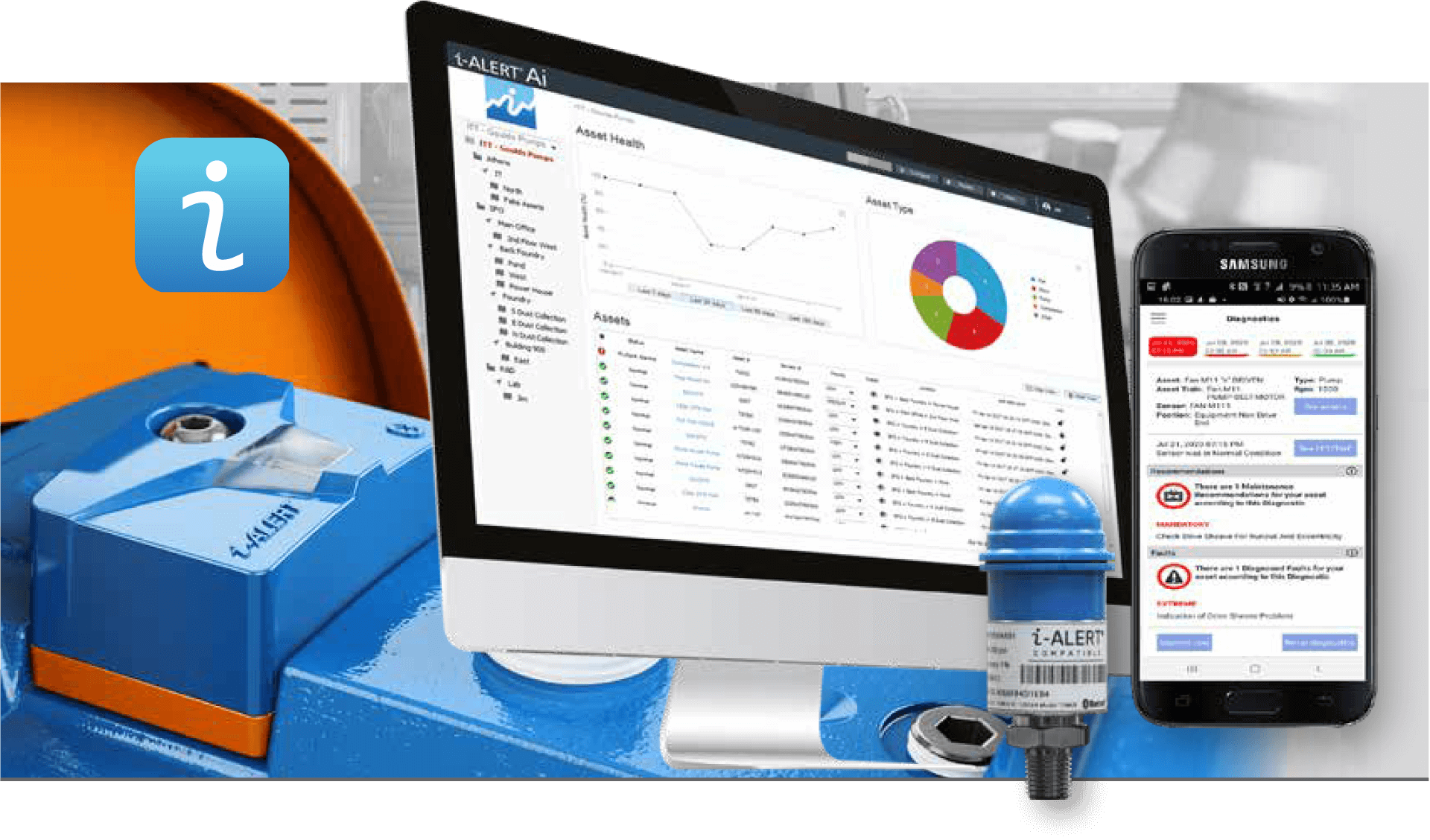
Monitor all your i-ALERT devices and machines from a simple web interface. Built in intelligence automatically detects and diagnoses machine issues
Features
The i-ALERT Solution
The i-ALERT solution puts monitoring and diagnostics in the hands of everyday users, empowering anyone to safely monitor equipment from a distance.
Automated Report Scheduling
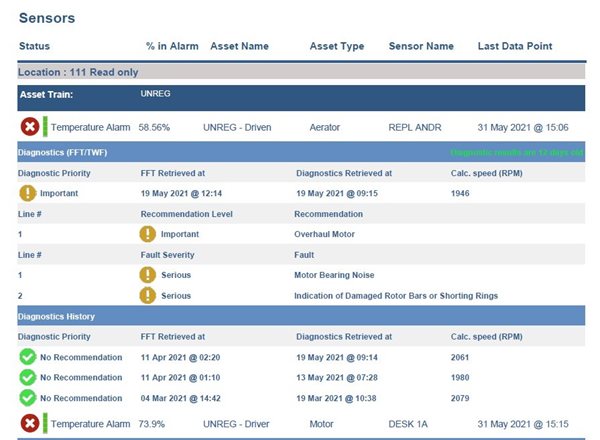
Set up a reports schedule in the Ai Platform and get asset condition and diagnostics straight to your Inbox. If you already have access to the i-ALERT Asset Intelligence (Ai) Platform you now have the ability to schedule reports and check Asset Condition at your own convenience. Easily Check Asset Condition and Schedule Reports 24/7
Machine health system to monitor and maintain the condition of your mechanical assets with class-leading analytics.
Smart Technology
Once the i-ALERT is activated it immediately begins monitoring your equipment. Built in edge computing processes vibration spectrum data to enable in-depth analysis of the equipment health. Get automated vibration analysis and diagnostics through the i-ALERT Ai Platform.
Accurate Readings
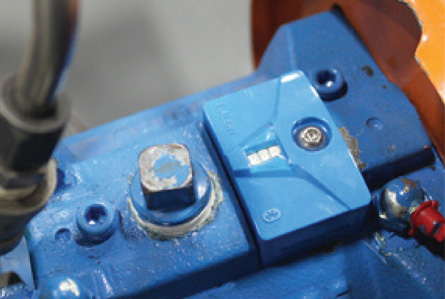
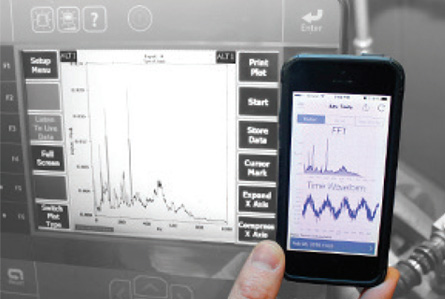
The i-ALERT sensor was designed to accurately measure vibration in all three axis and can be compared to the some of the most advanced vibration analysis tools in the market. Vibration diagnostics are available to anyone who can use a smart phone or tablet.
i-ALERT Ai Platform
Monitor and manage of all your i-ALERT enabled machines and sensors in one place. This subscription service requires no software to download or dedicated hardware to run.
Track Your Plant Performance
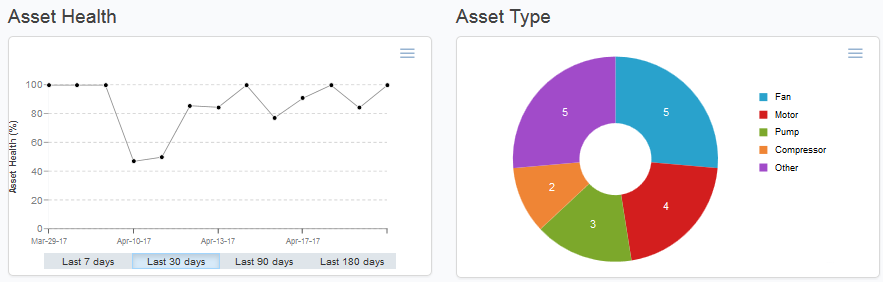
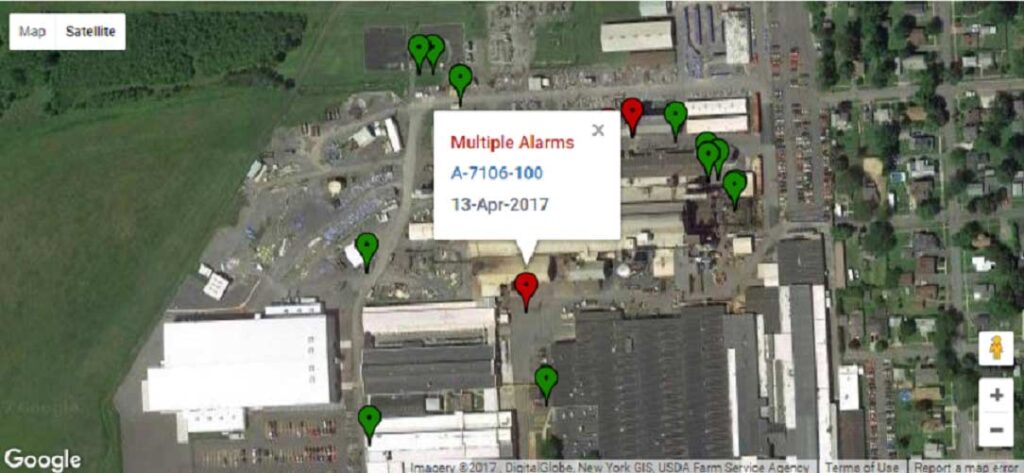
Track of the overall performance of all your machines in your plant. Set up different sites, zones or areas to compare how one area is performing to the other.
Get a Complete History of Your Machine
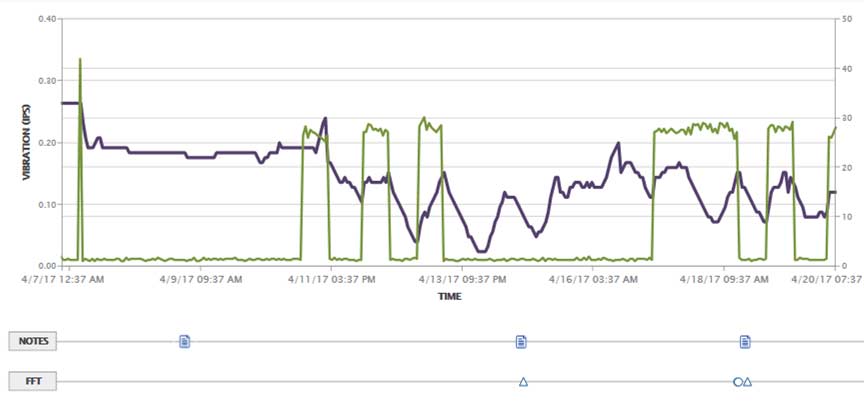
Stop wasting time piecing together the machine history from different data sources. View trend data, machine notes, technical data and vibration spectrum data all visualized in a simple timeline.
How to Register i-ALERT Sensors with New Diagnostics
Learn how to register your sensors with the new diagnostics feature.
Analyze and Diagnose Machine Faults
View vibration spectrum data in all three axis. Use the built in analysis tools to view and analyze FFT (Fast Fourier Transform) and TWF (Time Waveform) data sets to diagnose machine faults.
i-ALERT Diagnostics in the Ai Portal
How to use the i-ALERT Diagnostics within the Ai Portal.
Manage Data Collection Activities
Create, View, Assign and Edit data collection activities from the Routes Control Center. Measure on-time performance, see what routes are due, by when and by who.
i-ALERT Portal Notifications for Diagnostics
Learn how to use the Notifications in the Ai Portal to access the Diagnostics.